Start with what you already have
Before buying new hardware, check the screens you already use. Each type has strengths, and many households end up using two or three of them.
Smart TVs
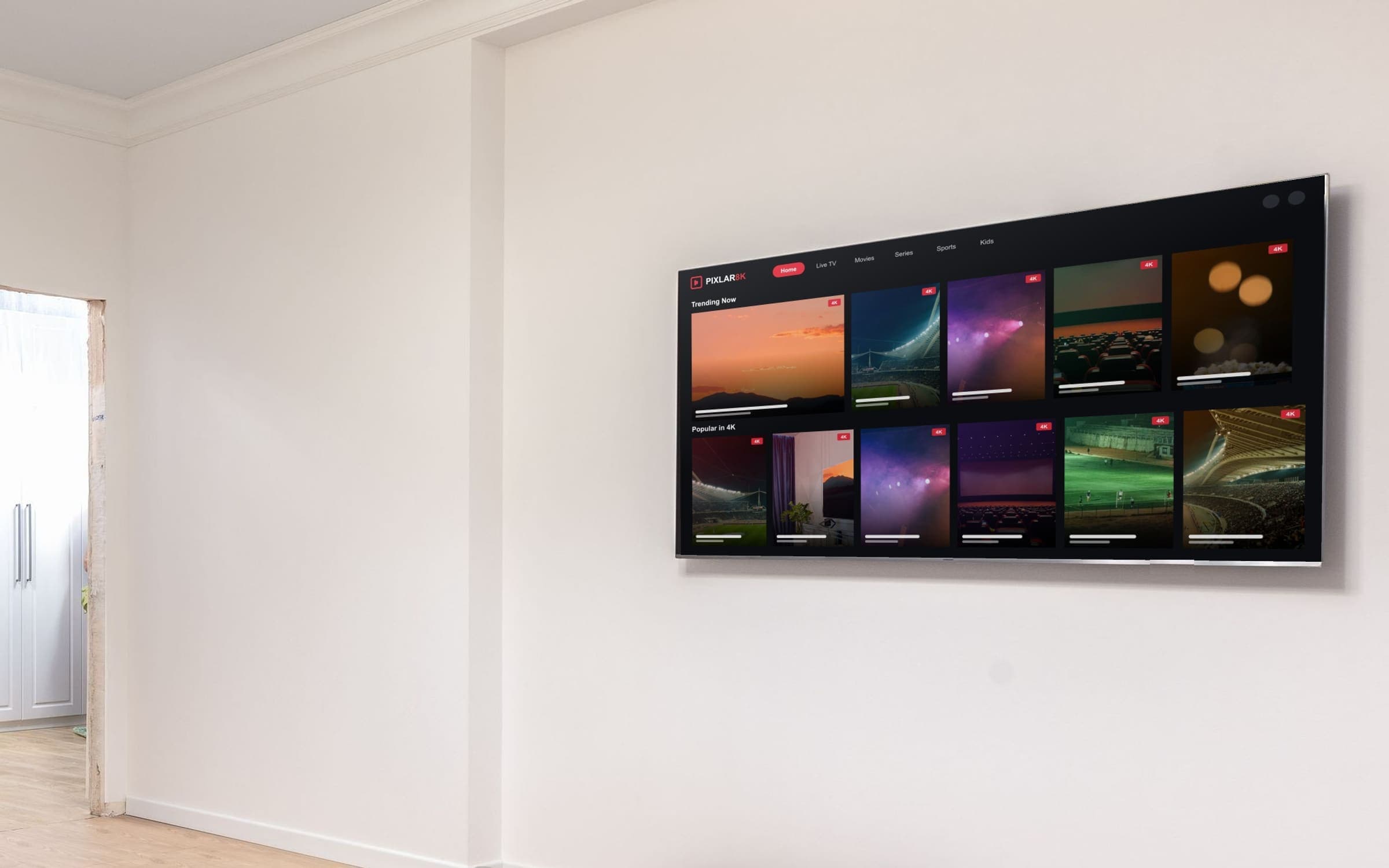
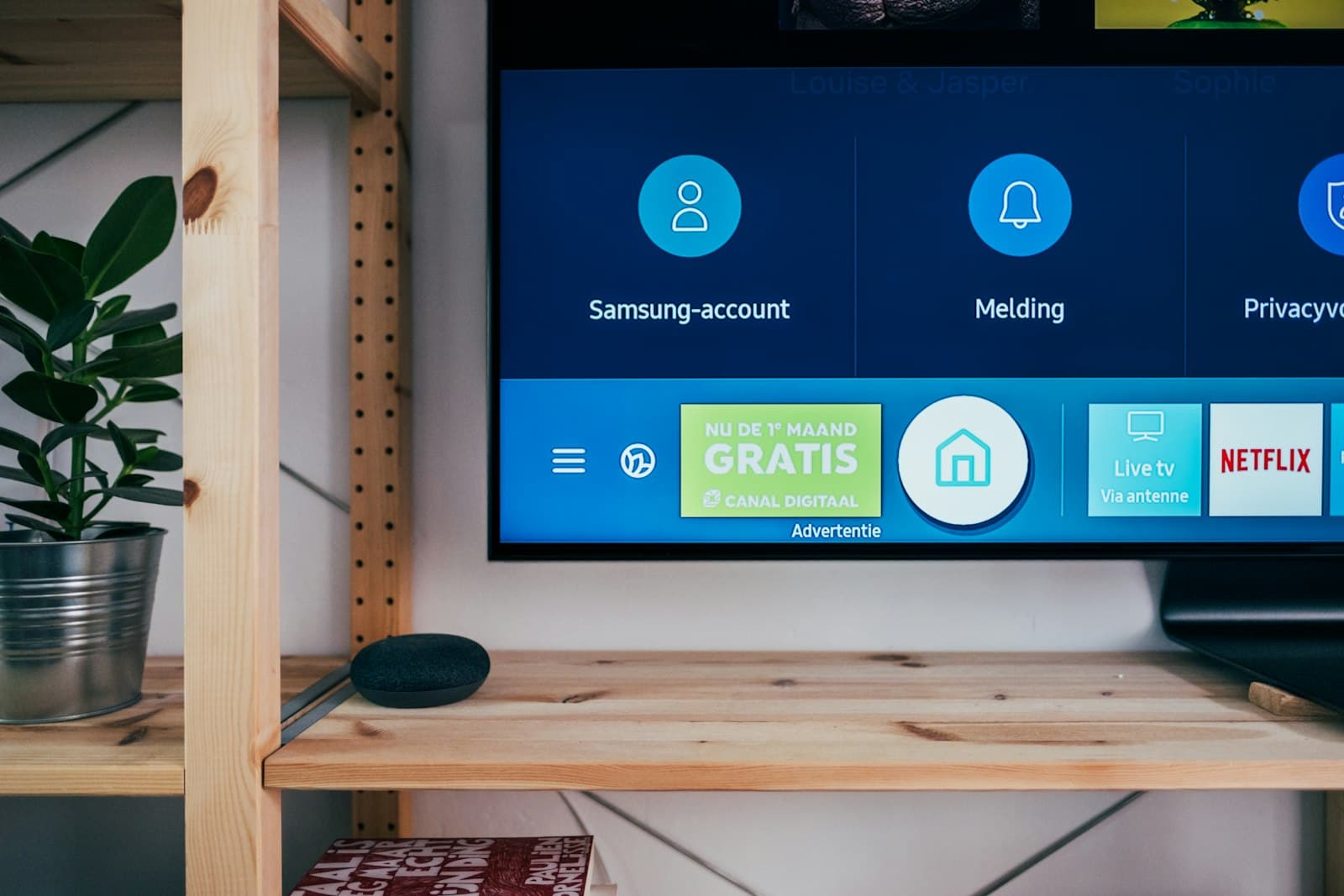
Many smart TVs can install a player app straight from the TV's own app store, so there is no extra box to plug in. The trade-off is that TV app stores vary by brand and model, and older TVs can feel slow when you browse large channel lists.
Streaming sticks and boxes
Sticks and boxes such as Fire TV and Android TV devices plug into a spare HDMI port. They are a good option if your TV's built-in apps are limited or slow, and they are easy to move between rooms. Because they have their own remote and menus, they also give you the same experience on any TV you plug them into.
Phones and tablets
Phones and tablets are handy for the kitchen, the bedroom or travelling. They are also the quickest way to test your login details. Each one watching at the same time uses one of your plan's connections.
Quick comparison
- Smart TV app — nothing extra to buy; depends on your TV's app store and speed.
- Streaming stick — inexpensive and portable; uses a spare HDMI port.
- Android TV box — flexible and often more storage; slightly more setup.
- Phone or tablet — great for a second screen; smaller picture.
Deciding between the two most common options? Our Smart TV vs streaming stick comparison goes through the differences in more detail.
Checklist before you set up
- Step 1: Check that a player app is available for the device and installs without problems.
- Step 2: Update the device's software and make sure it has some free storage space.
- Step 3: Decide how it will connect to the internet — for a TV or box that never moves, a network cable is usually steadier than Wi-Fi.
- Step 4: Make sure the remote is comfortable to use — you will be scrolling through a lot of channels.
Picture quality depends on the whole chain
A 4K picture needs every link to support it: a 4K screen, a device that can output 4K, a channel that is broadcast in 4K and an internet connection fast enough to carry it. If any one of those is lower, the picture will be too. Our article on streaming quality and internet requirements explains this in more detail.
How many connections do you need?
A connection lets one screen watch at a time. Count the screens that are likely to be in use at the same moment — not every device you own. PIXLAR8K plans cover 1 to 5 connections, and understanding plans and connections walks through how to choose.
In short
Use the screens you already own where you can, add a streaming stick or box if your TV's apps are limited, and count only the screens that will be watching at the same time. When you are ready, the installation guide has step-by-step instructions for each device type.
Not sure your device will work? Message our team on WhatsApp before you order and we'll help you check.
Ask on WhatsApp