“Great experience overall! The setup was simple, the instructions were clear, and customer support was helpful. Very easy to get started.”
Setup Guide · Fire TV, Android, iOS & Smart TV
Step-by-Step Device Installation & Setup Guide
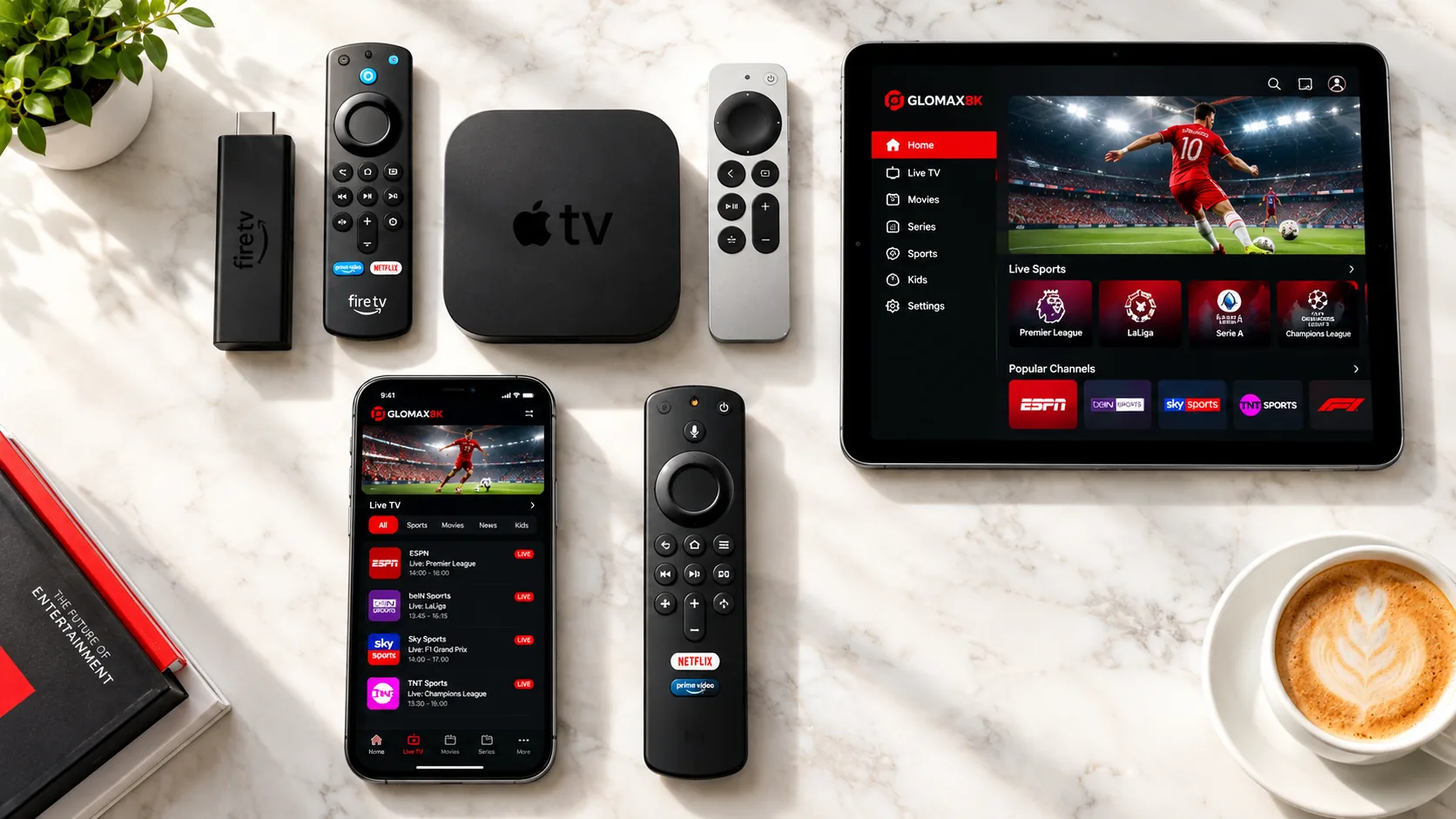
Set Up PIXLAR8K on the Screens You Already Own
Select your device below for step-by-step instructions to install a player app such as IPTV Smarters Pro, TiviMate or IBO Player, then sign in with the login details we send you. Stuck at any step? Our team can help on WhatsApp.
- Live Channels
- 55,000+
- Movies & Series
- 150,000+
- Month Plans
- 3, 6 or 12
- Connections
- 1–5
Setup Guide
Install PIXLAR8K IPTV on Your Device
Select your device below and follow the step-by-step guide to get started. Your login details are sent by our team once your order is confirmed.
Enable Sideloading
- Step 1: From the Fire TV Home screen, search for and install Downloader.
- Step 2: Go to Settings → My Fire TV → Developer Options → Install Unknown Apps and enable Downloader.
Install IPTV Smarters Pro
- Step 3: Open Downloader, enter URL
https://www.iptvsmarters.com/smarters.apkand click Go. - Step 4: Install the app, open IPTV Smarters, select Login with Xtream Codes API, and enter your login details.
Setup complete
- Step 1: Search for IPTV Smarters Pro or TiviMate on the Google Play Store and install it.
- Step 2: Select Xtream Codes API and enter the server URL, username and password we sent you.
- Step 3: Tap Add User to load your channels and on-demand library.
Setup complete
- Step 1: Download Smarters Player Lite from the Apple App Store.
- Step 2: Launch the app, choose Log in with Xtream Codes API, and enter your login details.
Setup complete
- Step 1: Install IBO Player Pro or SetIPTV from your TV's app store.
- Step 2: Note down your TV's MAC Address shown on screen and send it to us on WhatsApp to activate.
Setup complete
- 7-Day Money-BackGuarantee on Every Plan
- 1 to 5 Connections3, 6 or 12-Month Plans
- Order on WhatsAppPlan Details Filled In
- 7-Day Catch-UpTime-Shift TV Replay
Subscriber Reviews
What PIXLAR8K Subscribers Say
Feedback from PIXLAR8K subscribers, shared in their own words and published with their permission.
“I appreciated how easy the ordering process was. The instructions were clear, and the team was available when I needed assistance.”
“A simple and convenient experience from start to finish. The activation instructions were easy to understand, and support was responsive.”
Global Channel Directory
Stream Your Favorite Networks & Live Sports
Get access to sports, news and entertainment channels in one subscription. Browse the full channel lineup to see what's available in your region.














Start Streaming Today
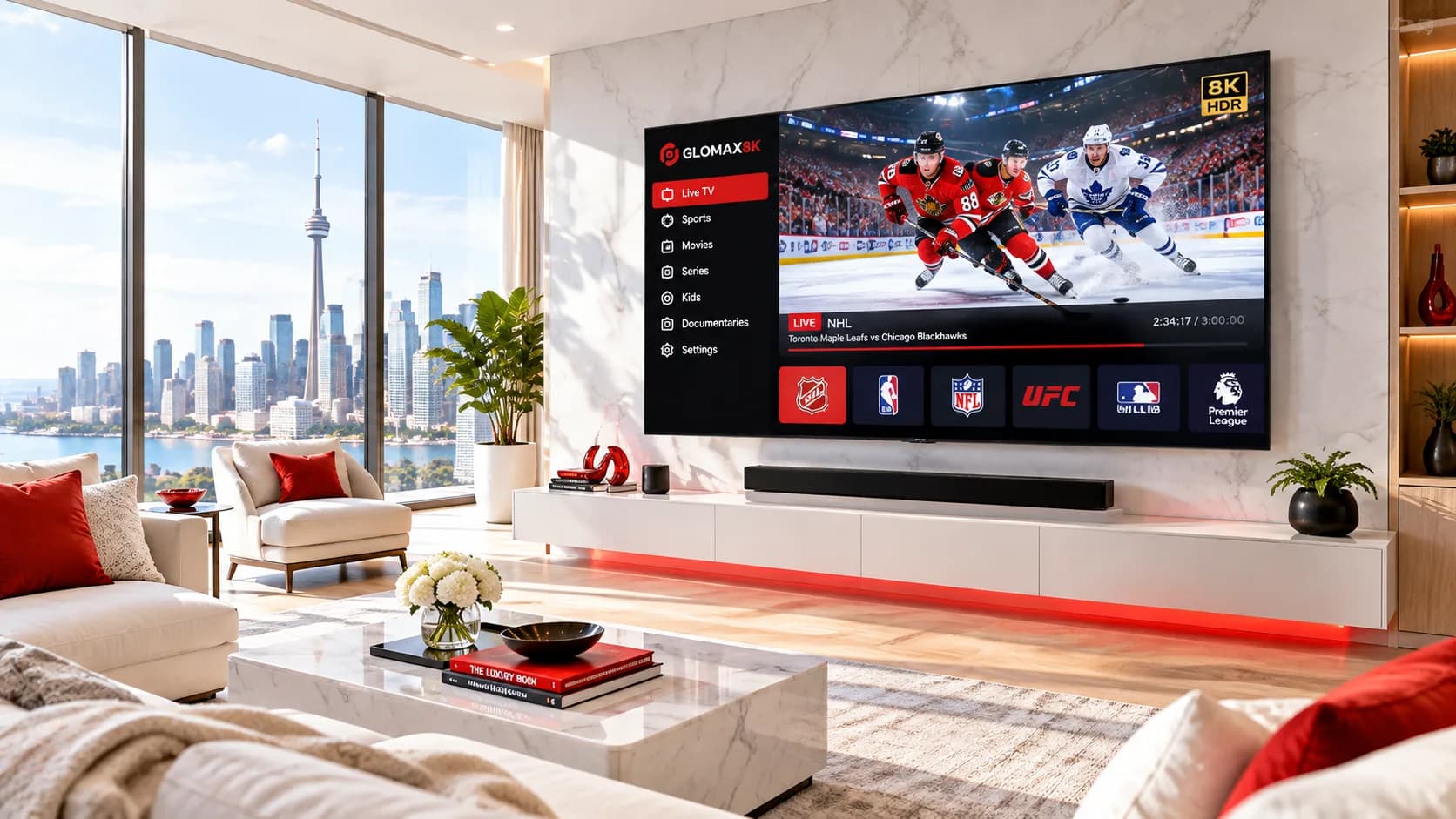
Ready to Cut the Cord? Start Streaming with PIXLAR8K Today.
Live TV, movies and series on demand, with step-by-step setup guides for the devices you already own and help from our team on WhatsApp.
- Live TV
- Movies & Series
- Multi-Device Setup